Start with a groove.
Create rhythmic patterns or open an included starter arrangement to find a useful starting point.
Music composition for Windows
Build a rhythm, find a melody and turn a few good bars into an arrangement. Bring patterns, instruments and mixing together in a desktop music workspace.
Available on Microsoft Store · Windows 10 and 11
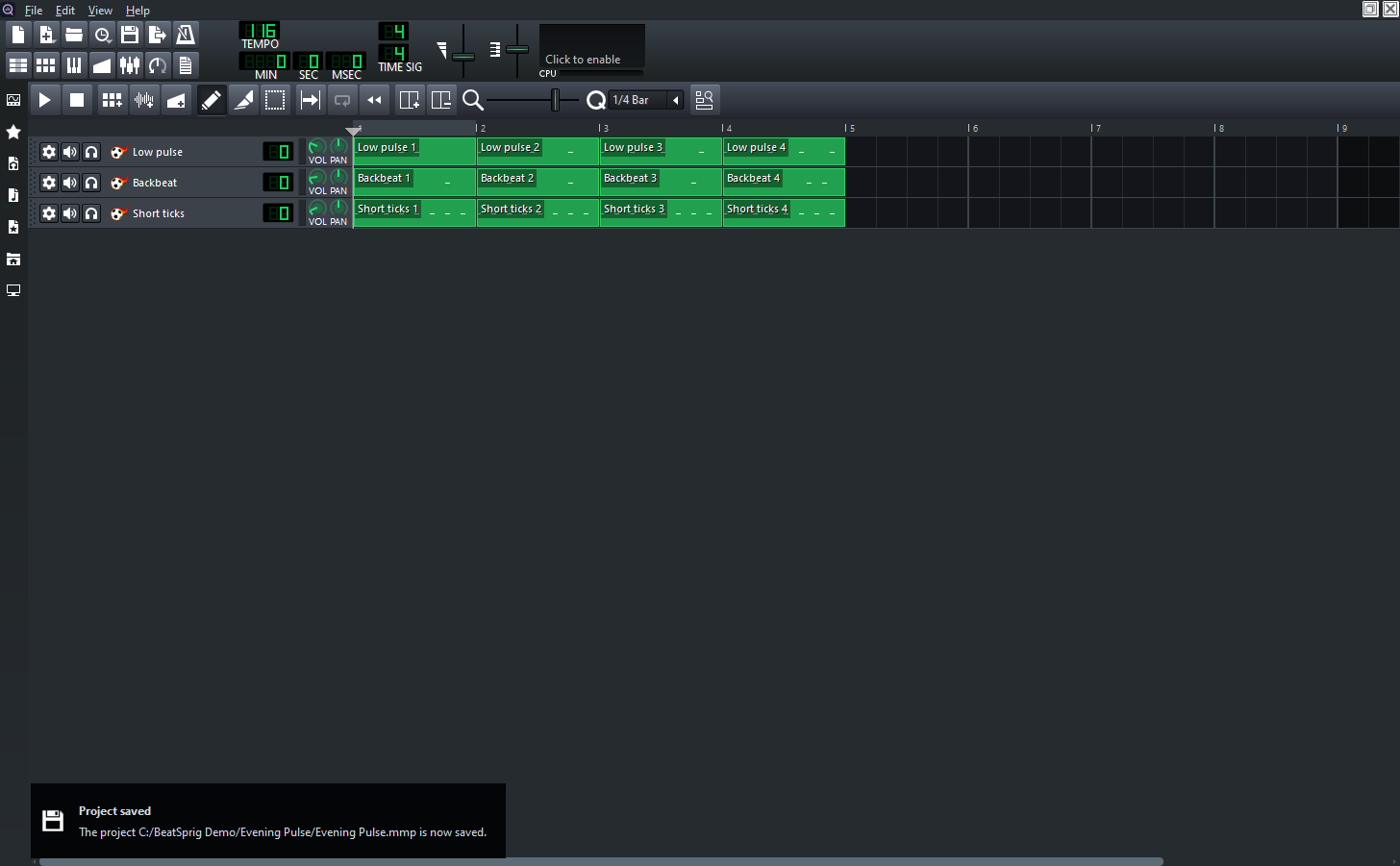
Create rhythmic patterns or open an included starter arrangement to find a useful starting point.
Edit notes in the piano roll and combine instruments and tracks as the idea takes shape.
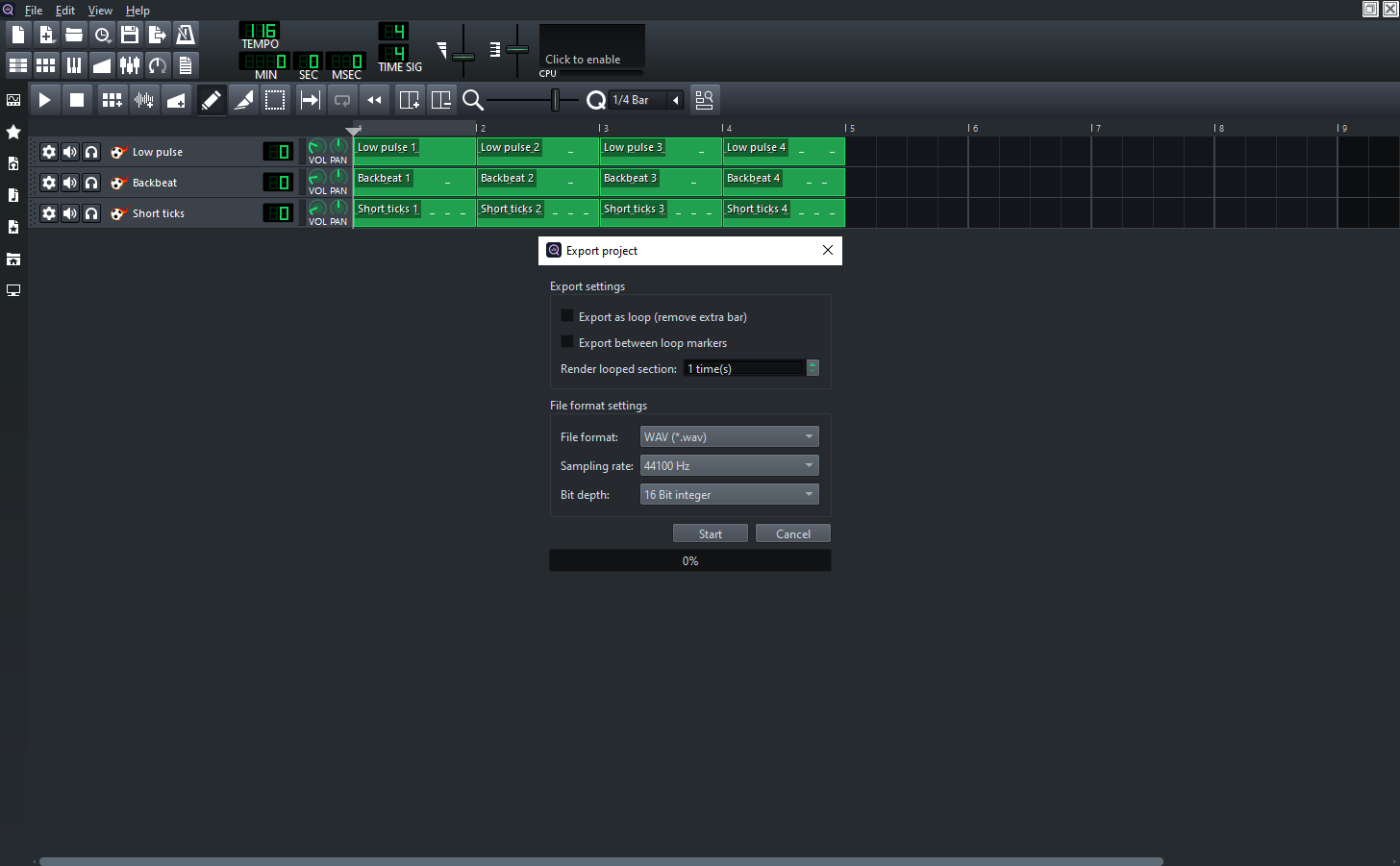
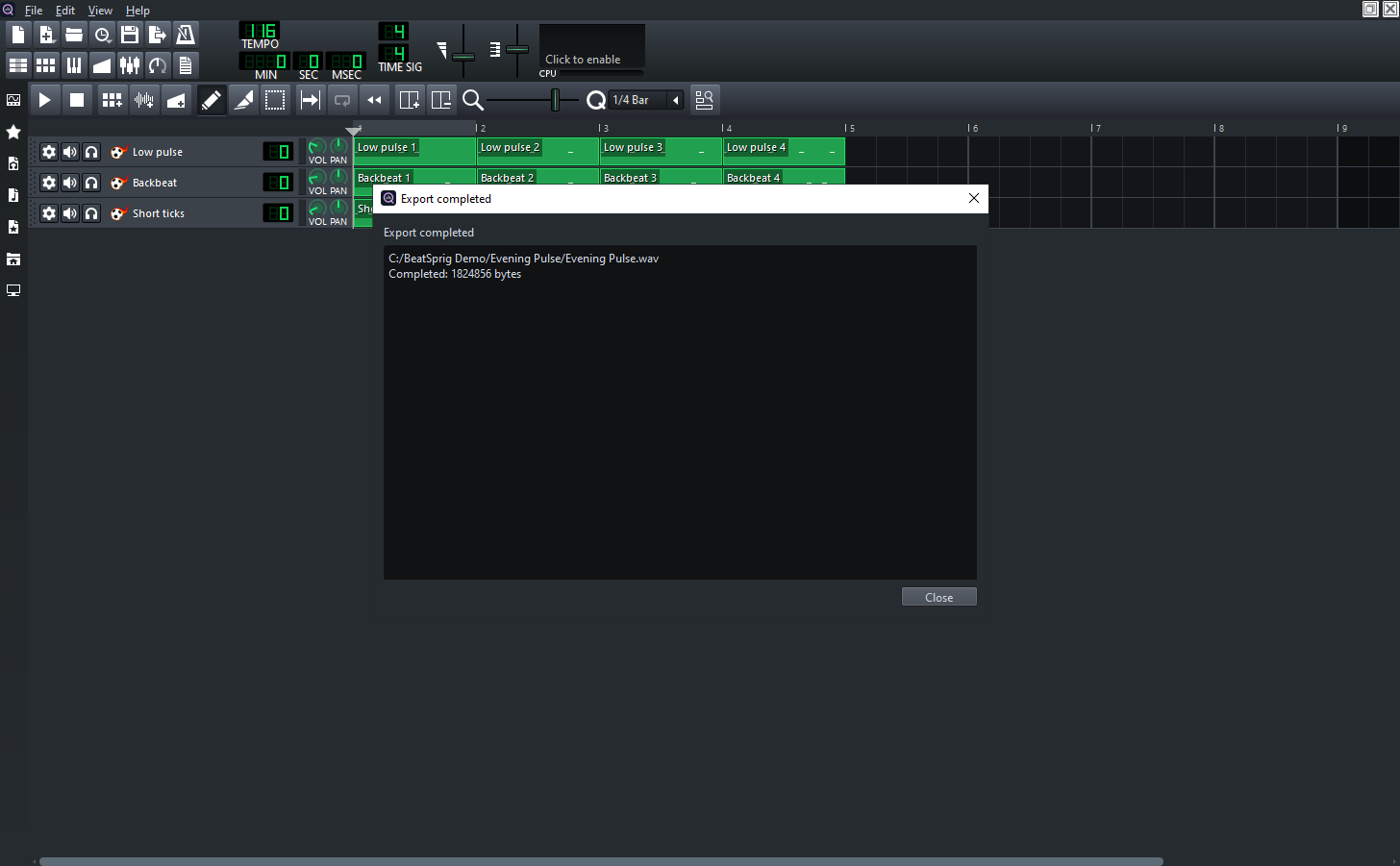
Save your editable project, then export audio for listening and sharing. Keep the project for your next revision.
Keep the work moving
Use patterns to try an idea, then shape the notes, instruments and arrangement as you go. Save the project when you find something worth returning to.
A familiar workflow
Keep the editable project and a separate rendered audio file for the ways you want to use your music.
Choose an instrument and create a rhythmic or melodic part.
Combine patterns and tracks, edit notes, and balance the mix.
Save the project, then render an audio file to review.
One-time purchase
A local music composition workspace with no subscription.
US launch price · Pay once, no subscription.
Microsoft Store displays local prices and applicable taxes.
Before you get started
FL Studio project compatibility is not included. BeatSprig is an independent application based on LMMS.
An audio file contains the rendered result. Save your BeatSprig project separately to retain its arrangement and editable instrument settings.
Project editing and audio rendering work with local files. No cloud upload or account is required for those workflows.
This release includes its bundled instruments. VST, LV2 and Carla plug-in hosting are not included.
BeatSprig is an independent Trieflow LLC product based on LMMS open-source software. Source code, build information and original license notices are available without charge. Get product support.